Capture the thing
Use a photo as the context for what you need to remember.
Picture-driven reminders
Picolarm makes the photo the reminder, so the thing you meant to do is visible when the alarm arrives.
Available now for Android. An iPhone version is currently in development.
One simple loop
Use a photo as the context for what you need to remember.
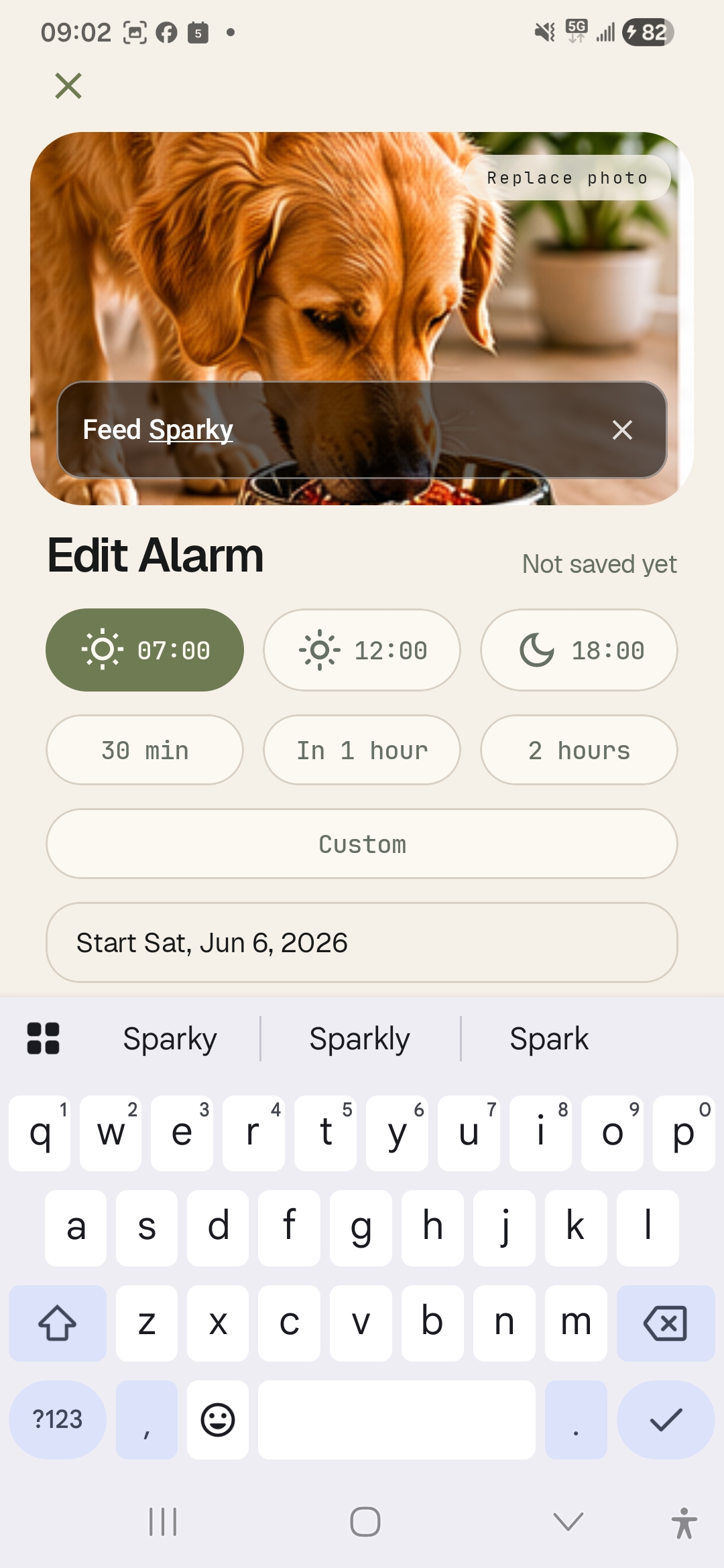
Choose a fast time option or adjust the alarm before saving.
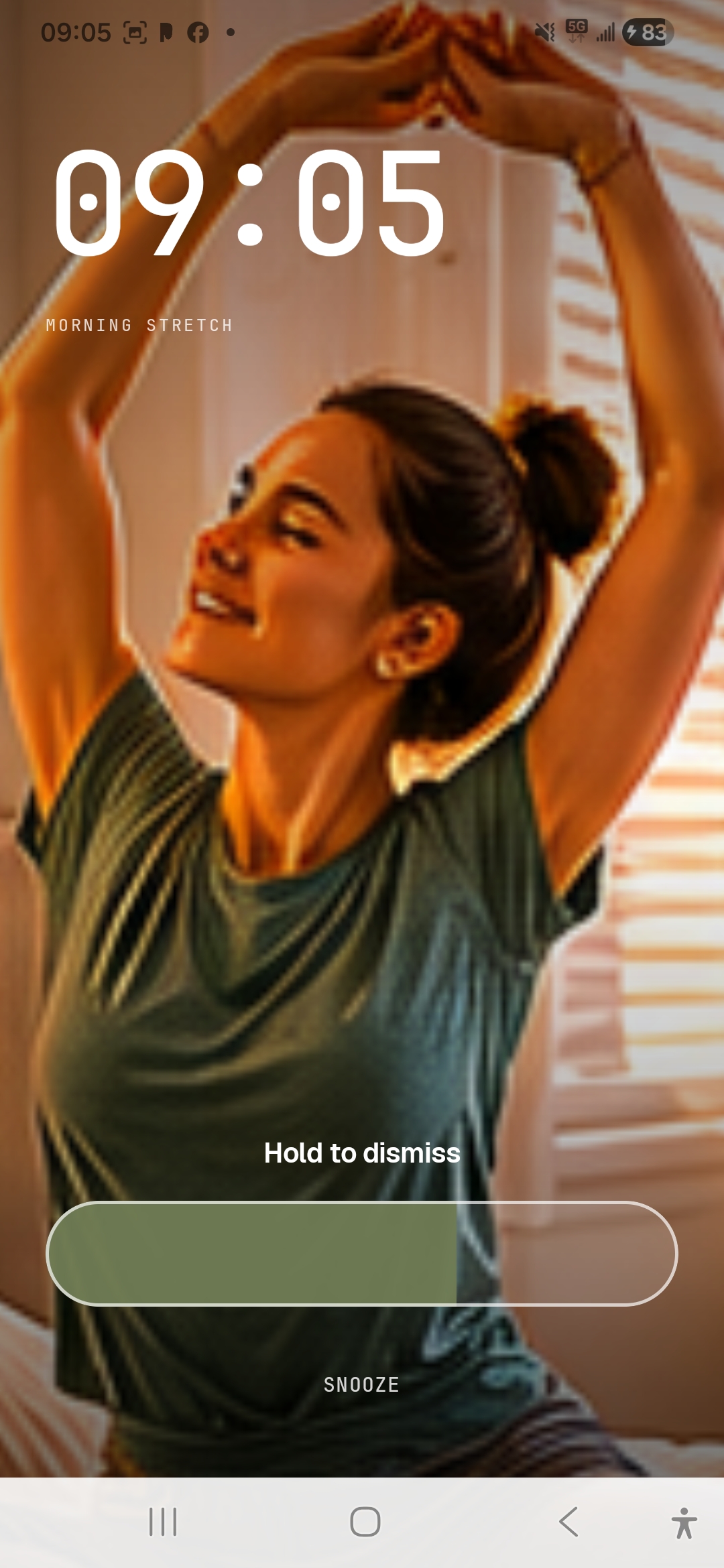
The alarm opens around the image, with dismiss and snooze controls kept clear.
Real-life examples
Use a quick photo when words alone are too easy to ignore.
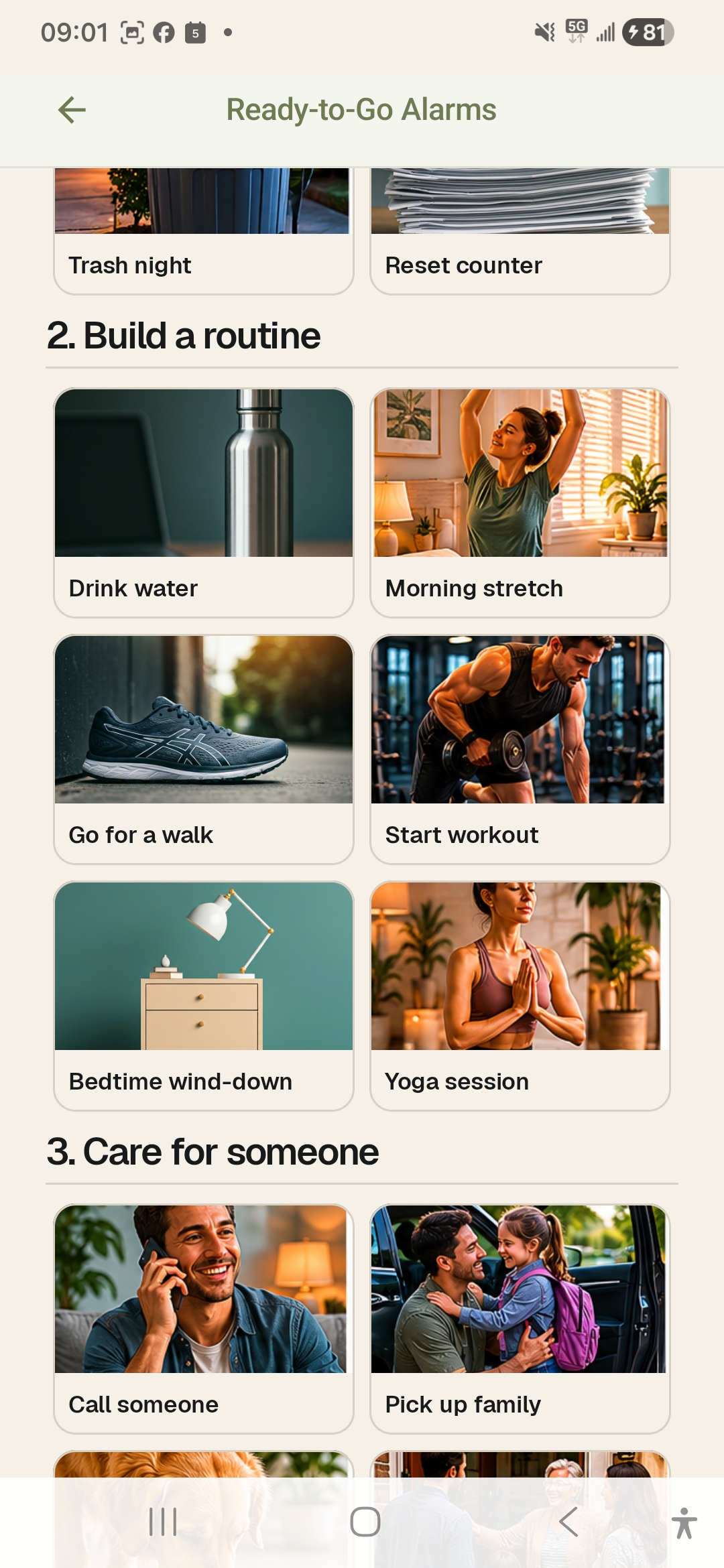
Use a photo of your mat, shoes, or stretch spot.
Set an alarm from the gear you want ready.
Turn your bottle or glass into the reminder.
Use a contact photo, note, or callback detail.
Make the food bowl or bag the alarm image.
Use the place, car seat, or pickup note.
Snap the bin before the evening gets busy.
Photograph the thing that needs to leave with you.
Current app captures
Screenshots shown from the current Android version.
Picture alarms
Picolarm is built for the small moments where seeing the picture matters more than reading another task.